Two-Factor Authentication (2FA)#
What is two-factor authentication (2FA)?#
Two-step verification is a way to protect your Nextcloud account against unauthorized access. It works by requiring two “proofs” of your identity. For example, something you know (like a password) and something you have (like a physical key).
Usually the first step is a password like the one you already have and the second step can be a text message received or a code generated on a phone or other device (something you have).
What happens if I don't have 2FA enabled?#
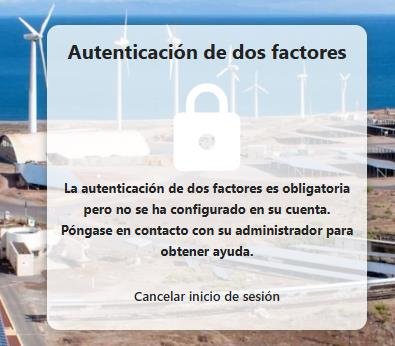
The following message should appear to users of https://nextcloud.iter.es who do not have 2FA or two-factor authentication enabled and try to log in:
How to enable 2FA / two-factor authentication?#
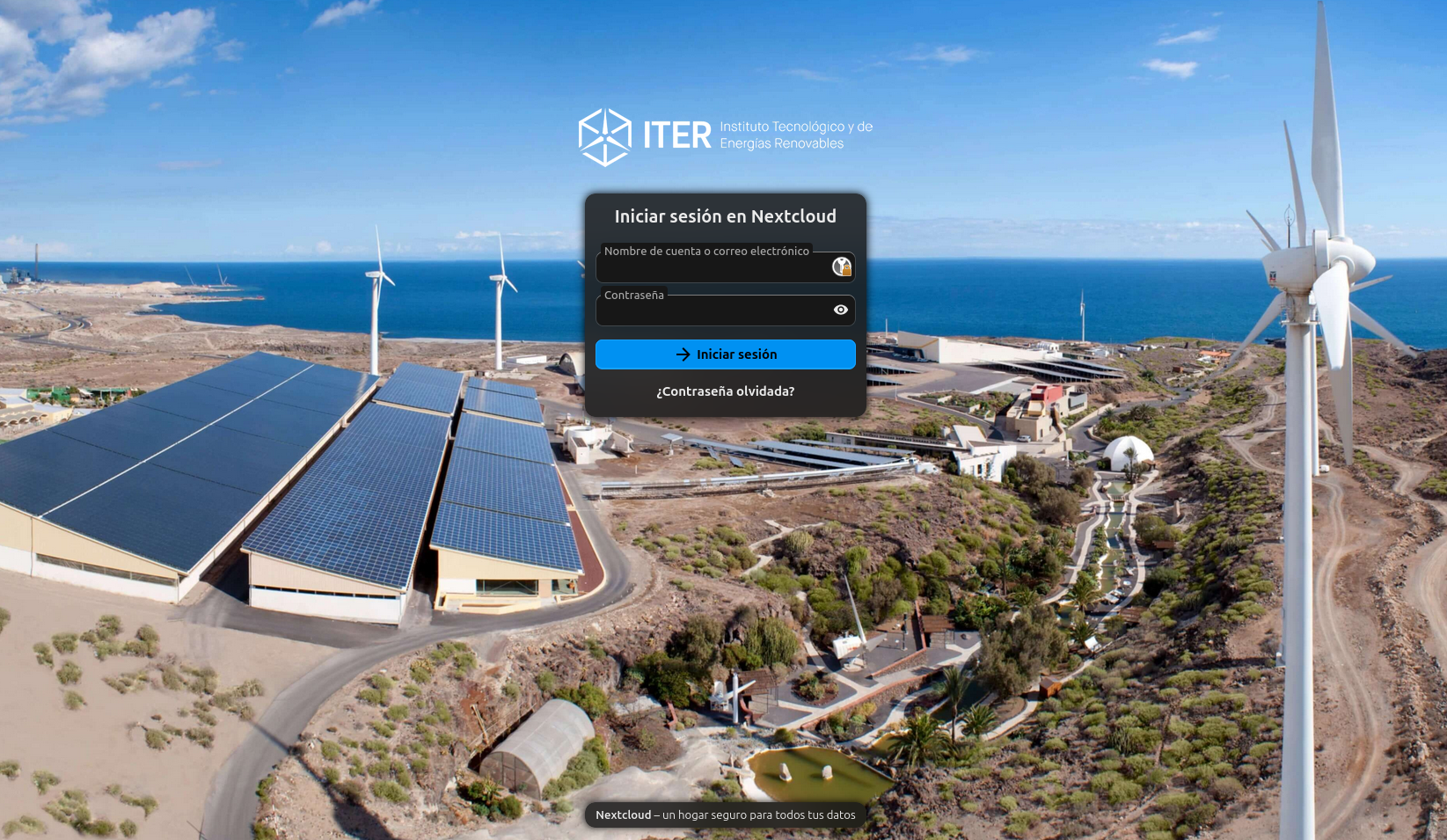
Go to nextcloud.iter.es and log in:
Now go to profile -> settings -> Security:
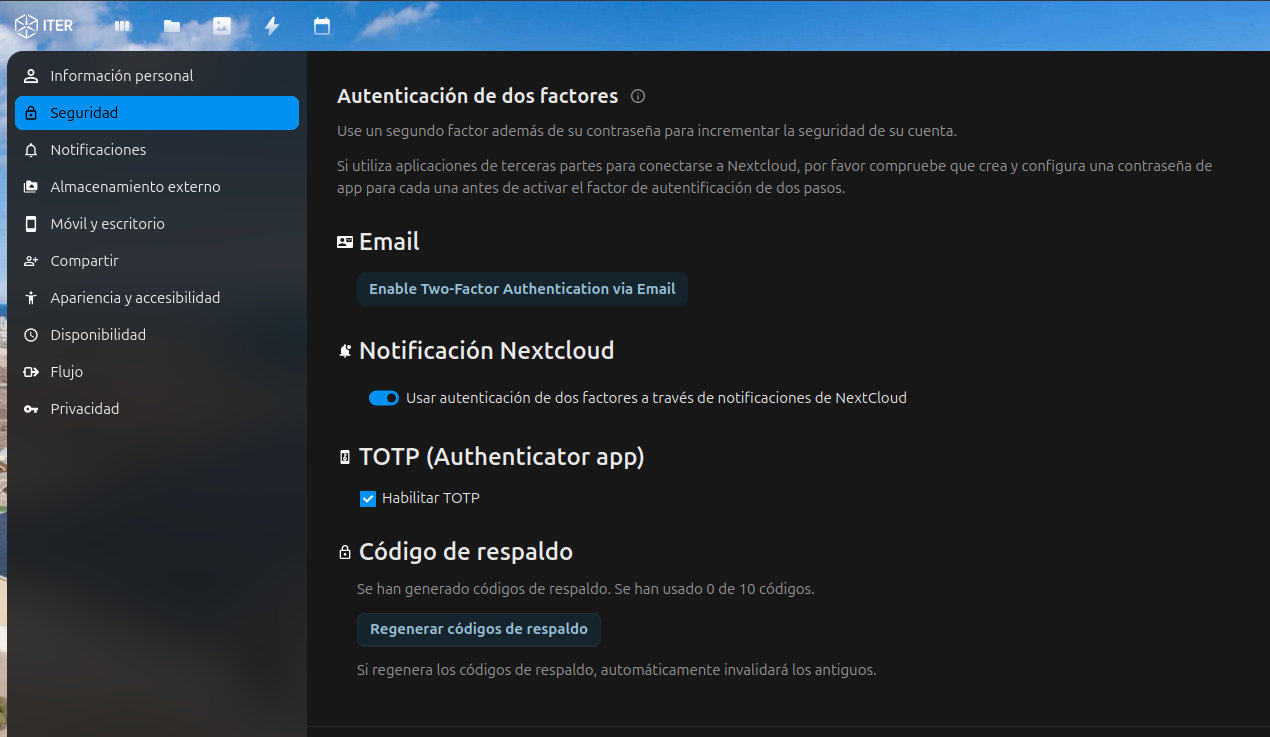
Enable 2FA - email#
Click the following button:
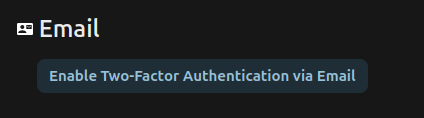
You will now receive a code to your email which you must add in the field that opens to verify your email:
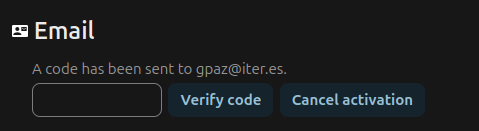
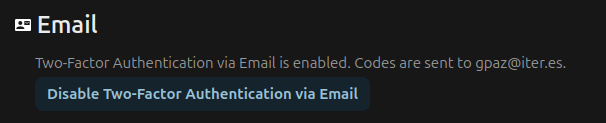
If the code is correct, two-factor authentication by email will be enabled.